Every BuzzCard™ enquiry is instantly added into a simple Trello lead board, giving your business an easy way to keep track of new opportunities from the moment they arrive.
Simple Lead Management included with BuzzCard™
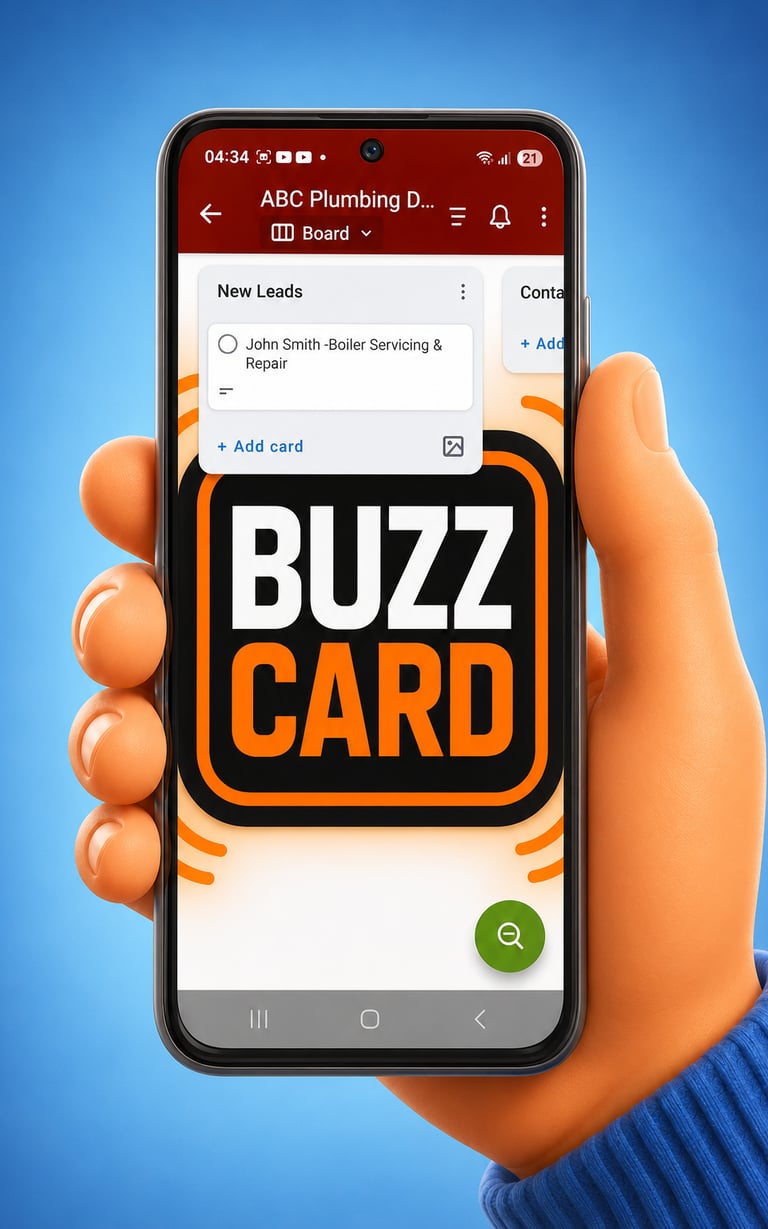
If you are busy on the tools, driving or outside business hours Trello will record the 'New Lead' ready for when you are able to respond.
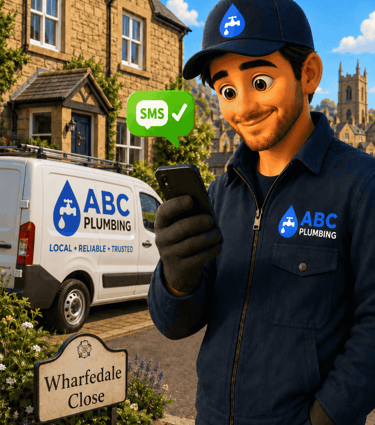
The prospective customer will have received an instant SMS Text message to reassure them their enquiry is in your system.
You're in a good position to follow up and win the job
Instead of enquiries getting lost in text messages, emails, notebooks or missed calls,
your BuzzCard™ Lead Board helps you organise each enquiry into clear stages such as:
New Enquiry
Contacted
Quote Sent
Won jobs
Lost/No Response
Android phone or tablet
iPhone or iPad
Mac laptop or desktop
Windows laptop or desktop
Important:
After installing Trello, please use the same email address you gave us for your BuzzCard™ registration.
If you already use Trello with a different email address, no problem — just tell us that Trello email address and we can invite it to your private BuzzCard™ Lead Board instead.
Your private BuzzCard™ Lead Board will then appear inside Trello once your invitation has been accepted.
If you want to use Trello on more than one device — for example, mobile and desktop - please use the same email address on both devices - so your board stays synced.
Step 1: Download & Install Trello


Setting Up Your BuzzCard™ Leads System
Important:
After installing Trello, please use the same email address you gave us for your BuzzCard™ registration.
If you already use Trello with a different email address, no problem — just tell us that Trello email address and we can invite it to your private BuzzCard™ Lead Board instead.
Your private BuzzCard™ Lead Board will then appear inside Trello once your invitation has been accepted.
If you want to use Trello on more than one device — for example, mobile and desktop - please use the same email address on both devices - so your board stays synced.
Step 1: Download & Install Trello
For BuzzCard™ it gives participating businesses a user friendly way to respond quickly, follow up properly and turn more enquiries into real customers.
Trello is a safe, reliable app which has had over 10 million downloads on Google Play, making it a familiar and trusted tool for managing simple business workflows.
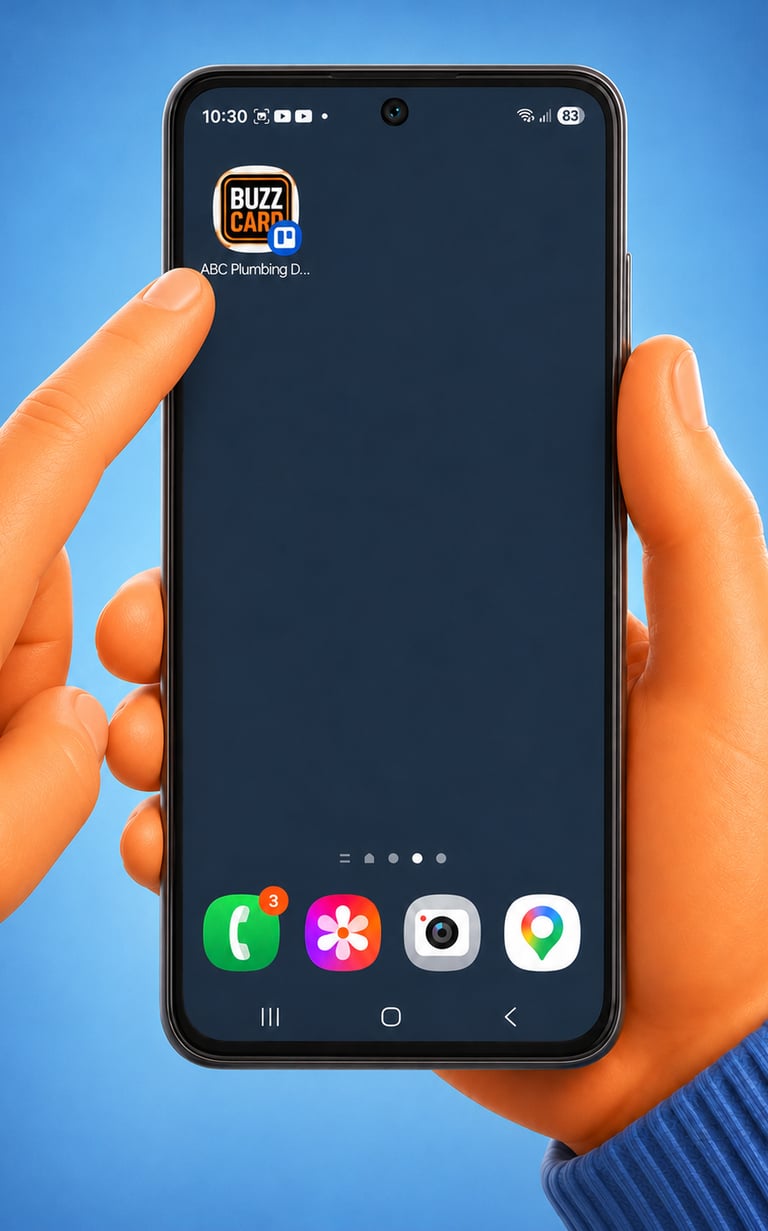
Adding your BuzzCard™ Lead Board to your phone home screen makes new enquiries easy to access with one tap.
Instead of searching through emails, messages or app notifications, you can open your board quickly, see new leads at a glance and respond while the enquiry is still fresh.
Fast follow-up helps reassure potential customers, keeps each opportunity organised and gives you a better chance of turning more enquiries into real booked jobs.
Step 2: Create a tappable icon on your phone home screen
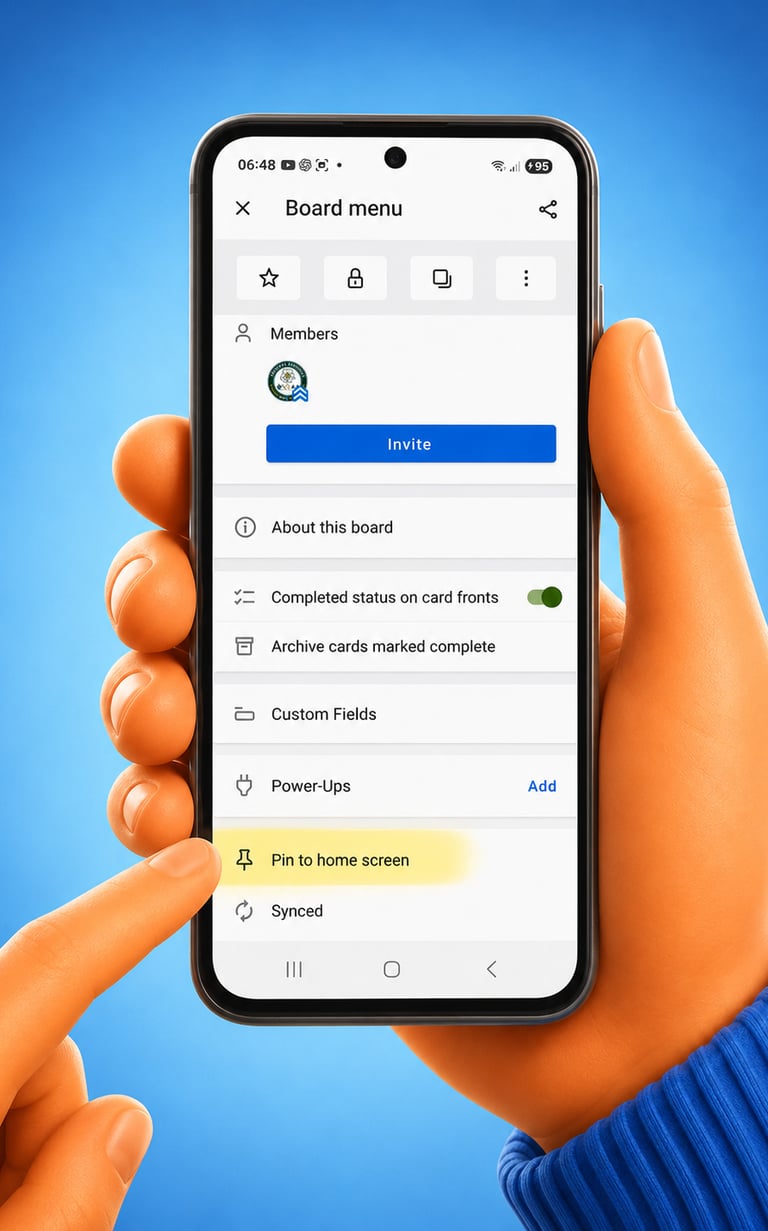
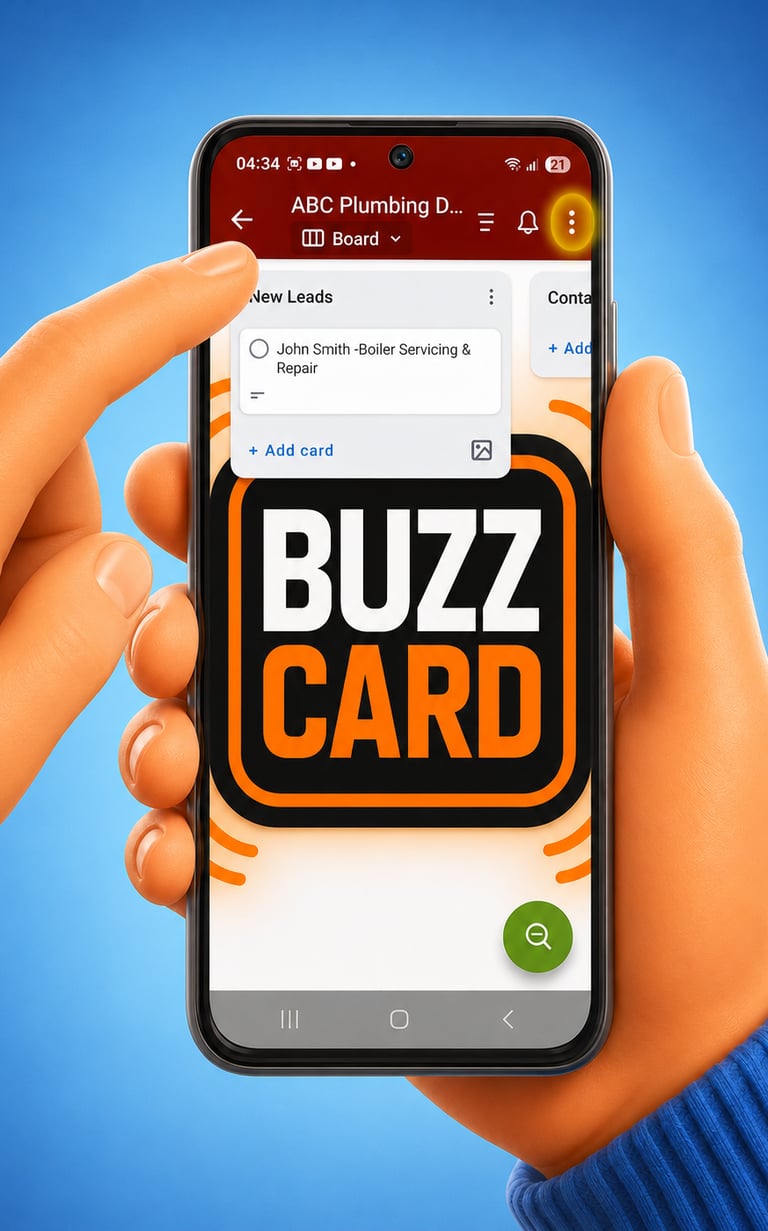
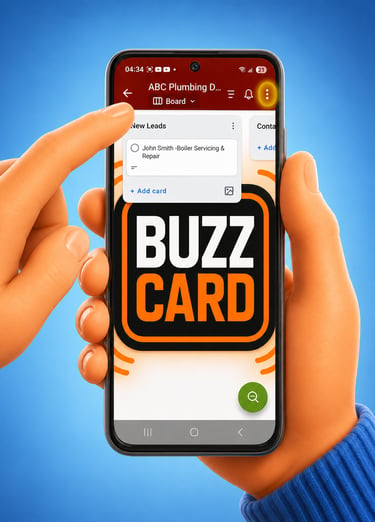
Tap the 3 vertical dots in the top right corner of the board screen.
Position the icon on your phone home screen so you can follow up with enquiries and manage your leads - keep everything handy and organised.
This will add a quick-access BuzzCard™ icon to your phone’s home screen, so you can open your Lead Board with one tap whenever a new enquiry comes in.
On the next menu page, down near the bottom tap Pin to home screen
Tip: Make your first manual response a message - not a phone call.
When you first open your BuzzCard™ on Trello, you will be looking at the Lead Board
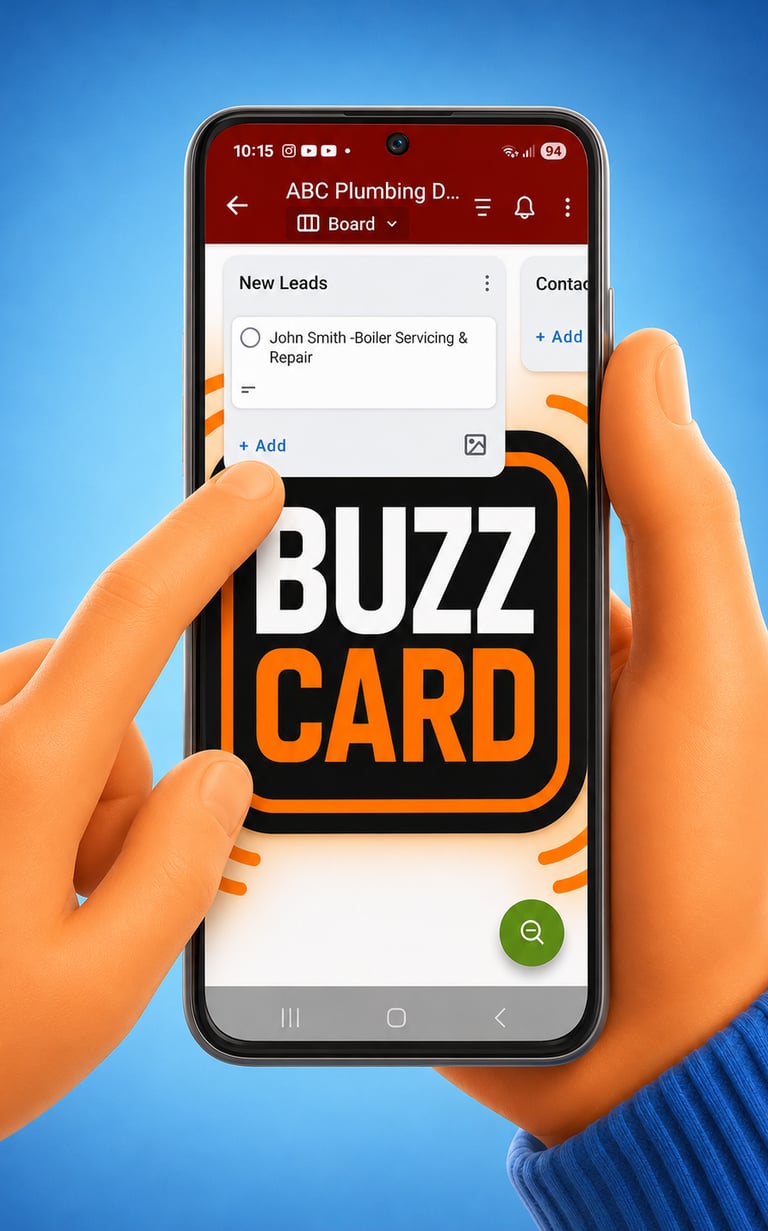
In this Demo example for ABC Plumbing we can see that:
John Smith is looking for his boiler in Knaresborough to be serviced.
Postal Code: HG5 0HB
Mobile number is one tap.
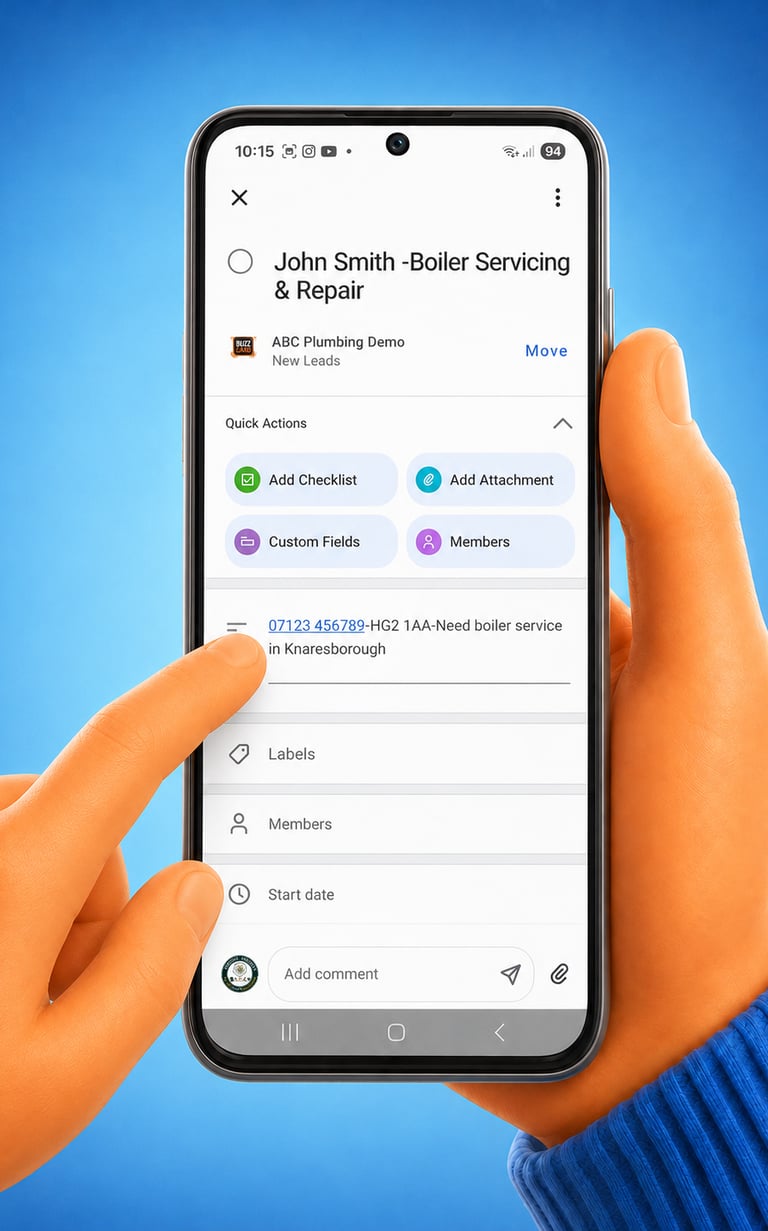
Some enquiries may ask you to respond by SMS text or WhatsApp rather than by phone.
This is often because the customer is busy juggling work, family, or other commitments, so taking a phone call straight away may not be convenient.
When they submit the enquiry form, they will already have received an instant confirmation message, such as:
“Thanks for contacting ABC Plumbing. Your enquiry has been received, and we’ll be in touch very soon.”
We recommend that your first manual response is also sent by message.
This gives the customer a quick, convenient reply and allows you to arrange a phone call at a time that suits both of you.
SMS messages build trust fast - by the time you are having a phone call conversation the lead is leaning to you as the service provider they will go with.
BuzzCard™
Fast Response.
Better Follow-Up.
More Bookings.
Step 3: Getting to know your way around
Each new customer enquiry appears as its own card in the New Leads list
Tap the card to see the details that were submitted in the online enquiry form.
Standard details:
First and Last name
Service needed
Mobile phone number
Postal Code
Short description of job
On request we can make these details fit your specific business products and services.
© 2026. All rights reserved.
Biz Buzzio Digital Solutions Ltd
Company Registration Number: 15957244
Registered in England & Wales
Business Address:
Hammerain House, Hookstone Avenue, Harrogate, HG2 8ER, United Kingdom
Email: hello@bizbuzzio.com
Biz Buzzio provides digital marketing systems, automation platforms and lead generation services for local businesses.`